
Updated November 23, 2026 · ranked by Jesse Meria, who makes Halopen
The best dictation apps for coding on a Mac,
ranked for AI prompts.
A spoken prompt carries the context you would never type: the constraint, the edge case, what done looks like. These are the 5 apps people use to talk to Claude Code, Cursor and Codex, with prices read on each app’s own page on November 23, 2026. Halopen is our app, ranked first for the reasons below.
No credit card. Then $12/month, $99/year or $199 once. A Mac app for macOS 14.0 and later.
Side by side
5 dictation apps
for coding, compared.
| App | Best for | Price | Free to start | Runs on | On-device |
|---|---|---|---|---|---|
| 1. Halopen | Prompts to Claude Code, Cursor and Codex, word for word | $12/month, $99/year or $199 once | 14-day trial, no card | Mac | Yes, on Apple Silicon |
| 2. Wispr Flow | Coding across Mac, Windows and phone | $15/month, or $12/month billed annually | Free for 2,000 words a week | Mac, Windows, iPhone, and Android | No, cloud only |
| 3. Superwhisper | Local models for coding prompts | $8.49/month, $84.99/year or $249.99 once | Free plan with local models | Mac, Windows, iOS and Android | Yes, with local models |
| 4. VoiceInk | A one-time price, local models | $25 once for one Mac | — | Mac | Yes, with a local model |
| 5. Apple Dictation | Short replies, at no cost | Included with macOS | Free | Mac | Often; check Keyboard settings |
The ranking
Each app, for coding.
Halopen: best for prompts to Claude Code, Cursor and Codex, word for word
Hold one key, speak, and the text lands where your cursor is, in every Mac app, terminals and editors included. Verbatim by default: in a published test of 12 constructions a cleanup model tends to rewrite, Halopen kept 10; Wispr Flow kept 2 in the same test. Your own names and terms go to the recognizer on every take, a failed take is kept for recovery, and you choose cloud or on-device recognition.
Price: $12/month, $99/year or $199 once. Free to start: 14-day trial, no card. Runs on: Mac.
Wispr Flow: best for coding across Mac, Windows and phone
A polished app that runs on Mac, Windows, iPhone, and Android. Its data-controls page says: “Transcription always occurs on the cloud.” Its default output tidies what you say; in our published fidelity test it rewrote 9 of 12 constructions. Its homepage says it works in “Gmail, Slack, iMessage, Notion, your terminal, your code editor, and AI tools like ChatGPT, Claude, and Cursor.”
Price: $15/month, or $12/month billed annually. Free to start: Free for 2,000 words a week. Runs on: Mac, Windows, iPhone, and Android. Source
Superwhisper: best for local models for coding prompts
Its plans page says: “Free gives you unlimited dictation with local Whisper models, up to two modes, custom vocabulary, and text replacements.” Pro adds cloud models and AI processing. Its own docs add: “Offline models only run really well on Apple Silicon macs.” Its homepage says: “Use Superwhisper with Cursor, Claude Code, Open Code, Amp, Codex, or any other agentic coding app, without touching your keyboard.”
Price: $8.49/month, $84.99/year or $249.99 once. Free to start: Free plan with local models. Runs on: Mac, Windows, iOS and Android. Source
VoiceInk: best for a one-time price, local models
One-time $25 for one Mac, $39 for two, $49 for three. Its site says: “When you select a local speech model, VoiceInk transcribes audio on your Mac.”
Price: $25 once for one Mac. Free to start: —. Runs on: Mac. Source
Apple Dictation: best for short replies, at no cost
Good for general text and short messages. Apple’s guide: “You can check Keyboard settings to see whether your voice inputs and transcripts for general text Dictation (for example, composing messages and notes, but not dictating in a search box) are processed on your device and not sent to Siri servers.”
Price: Included with macOS. Free to start: Free. Runs on: Mac. Source
22 seconds
Say the whole prompt.
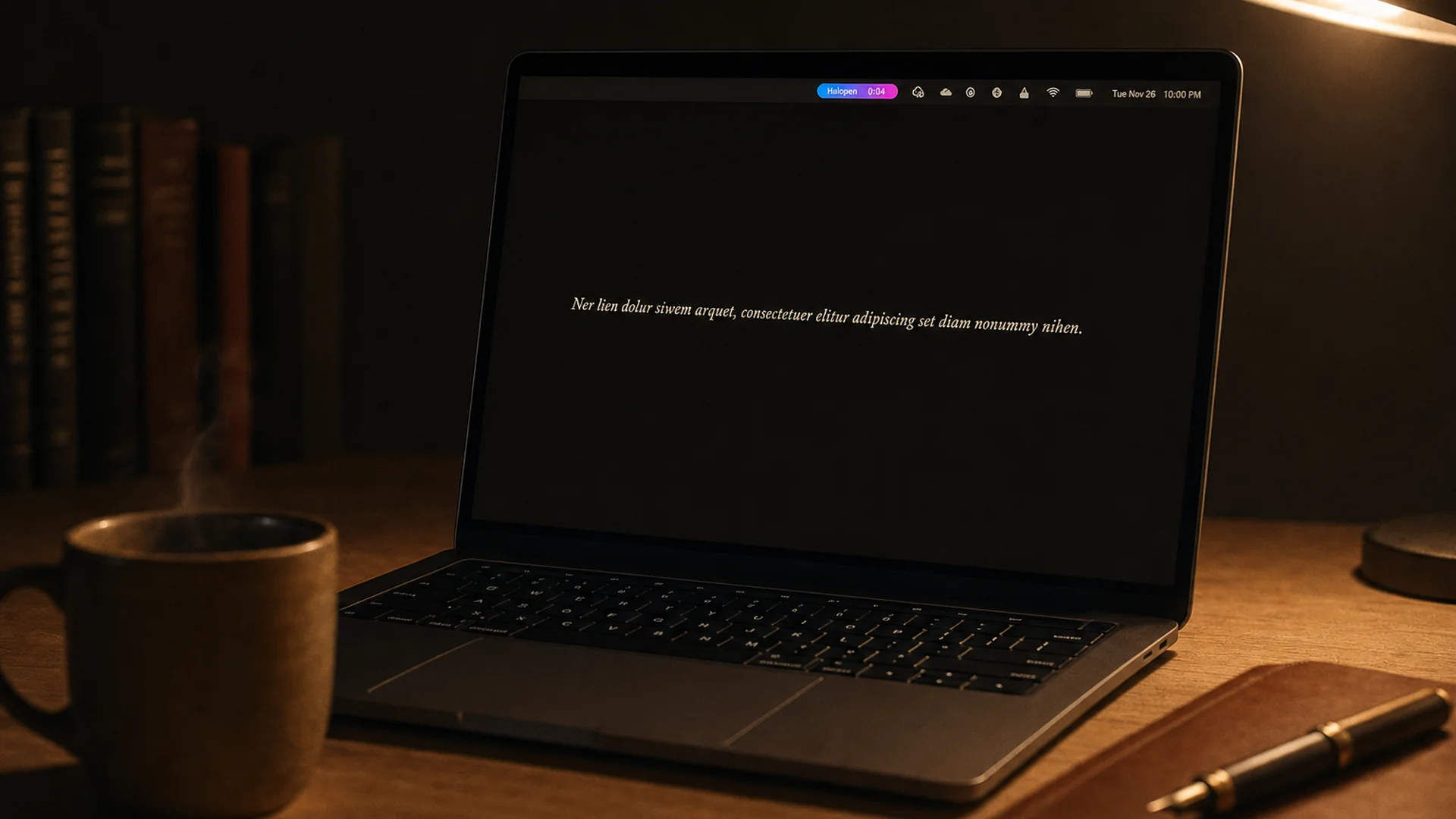
The prompts we type are short because typing is slow. Said out loud, the same request comes with the detail the work needs, and Halopen puts it at the cursor the way you said it.
An animation of the real app: the recording pill, the live preview and the sounds are Halopen’s own. The voice is AI-generated.
How to prompt by voice
Speak the sentences.
Type the strings.
Say the whole request the way you would explain it to a colleague: what to change, what not to touch, and how you will know it worked. Then read it once before you press Return. Recognition is good at sentences and weaker at exact identifiers, so type or paste file paths, flags and version numbers.
Dictation for Claude Code, with our terminal measurements · Dictation for Cursor · How to test any app on your own prompts
Useful answers
Before you download.
What is the best dictation app for coding on a Mac?
It depends on where you prompt and how exact you need the words. Our ranking: 1. Halopen, best for prompts to Claude Code, Cursor and Codex, word for word; 2. Wispr Flow, best for coding across Mac, Windows and phone; 3. Superwhisper, best for local models for coding prompts; 4. VoiceInk, best for a one-time price, local models; 5. Apple Dictation, best for short replies, at no cost. Halopen is our app; it is first because its default writes what you said (it kept 10 of 12 constructions a cleanup model tends to rewrite, in a public test) and one key works in terminals and editors.
How do I dictate prompts to Claude Code on a Mac?
Put the cursor in the Claude Code prompt in your terminal, hold the dictation key, say the whole request, including the constraints and what done looks like, and release. Read it once before pressing Return: speak the sentences, and type or paste exact file paths and flags.
Will dictation get file paths, flags and camelCase right?
Recognition can misread identifiers, casing and punctuation. In our terminal measurement a package name came out right far more often than a spelled-out file path. Speak the sentences; type the exact strings.
Does Halopen press Return for me?
No. It types the text where your cursor is and never submits it, so you can read the prompt before it goes to the agent.
What does Halopen cost?
A 14-day trial with no card, then $12 a month, $99 a year, or $199 once. A Mac app for macOS 14.0 and later.
Try it on your next prompt