
Typing
40 wpm
0.0s
Dictation built for AI coding agents
Hold the function key.
Speak. The words land at your cursor.
The fastest way to prompt Claude Code, Cursor, and your terminal by voice. When you’re prompting an agent, the words you chose are the context — so Halopen pastes all of them. File paths, constraints, and the test contract land exactly as spoken, in any app a cursor opens. Nothing tidied away.
No credit card · 8,000 free words a month · Apple Developer ID signed · macOS 14.0+
Universal
Mail. Notes. Cursor. Notion. Terminal. Slack. The Mac apps you already live in — voice typing, the same way, in every one.
Speed
Watch the same sentence land both ways. The typing average is around 40 words a minute. Speaking averages about 150.
Typing
40 wpm
0.0s
Speaking
150 wpm
0.0s
Typing 40 wpm and speaking 150 wpm are well-known research baselines for English-language adults at a keyboard and in conversation respectively. Halopen lands what you said at the speaker's natural pace.
Verbatim by default
Every contraction, every intensifier, every code-switch — captured carefully. Filler is optional; voice is not.
What lands at your cursor sounds like the person who spoke it. That’s the foundation. Polish, when you want it, is yours to choose.
Halopen output
“Honestly, I’m not sure the rerender’s coming from useCallback — could be the parent passing a fresh prop. Pull React.memo out, see if it actually flattens.”
Verbatim from a real Halopen session. The cleanup pass would flatten this into something polished and forgettable. Halopen keeps the speaker; you decide what happens next.
Read the manifesto — the small idea behind a careful tool.
Native
Swift menu-bar app
< 1%
CPU at idle
0
audio retained
~250 ms
to text after release
The shape of it
Most dictation tools optimize for novelty. Halopen optimizes for the way the keyboard already feels under your hands — and joins it.
Hold fn, speak, release. The exact tempo of the keyboard you already use. No floating windows, no toolbars, no “Open Halopen”.
Place names, proper nouns, technical terms, code identifiers — Halopen handles them out of the box. No training, no per-app dictionaries, no rituals. Punctuation follows your intonation; the rare miss is your voice, not your prose.
Built in Swift. Lives in the menu bar. Idles at a few megabytes. Wakes the moment you press the key. Goes back to sleep when you let go.
Live preview
Words appear above the recording pill as you speak — on-device, so you can read what was heard before letting go. The transcription that lands at your cursor is more accurate; the caption is your conversation with the machine.
Spell a name out loud mid-sentence to correct it — M-E-R-I-A lands as Meria, not as the spelling.
Long form
Hold the key for a sentence or a long thought — up to ten minutes per take. Release between thoughts; the next hold lands at the cursor and continues exactly where the last one stopped.
Anywhere a cursor goes
Text injects directly at the cursor — not a clipboard, not a notification. Works in every Mac app that accepts text. Password managers are excluded by design.
Privacy
Audio leaves your Mac only while you hold the key, comes back as text, and gets discarded. No retention, no training. We bias from cursor-adjacent text only — never the whole window, never a screenshot. Privacy details.
Quiet by design
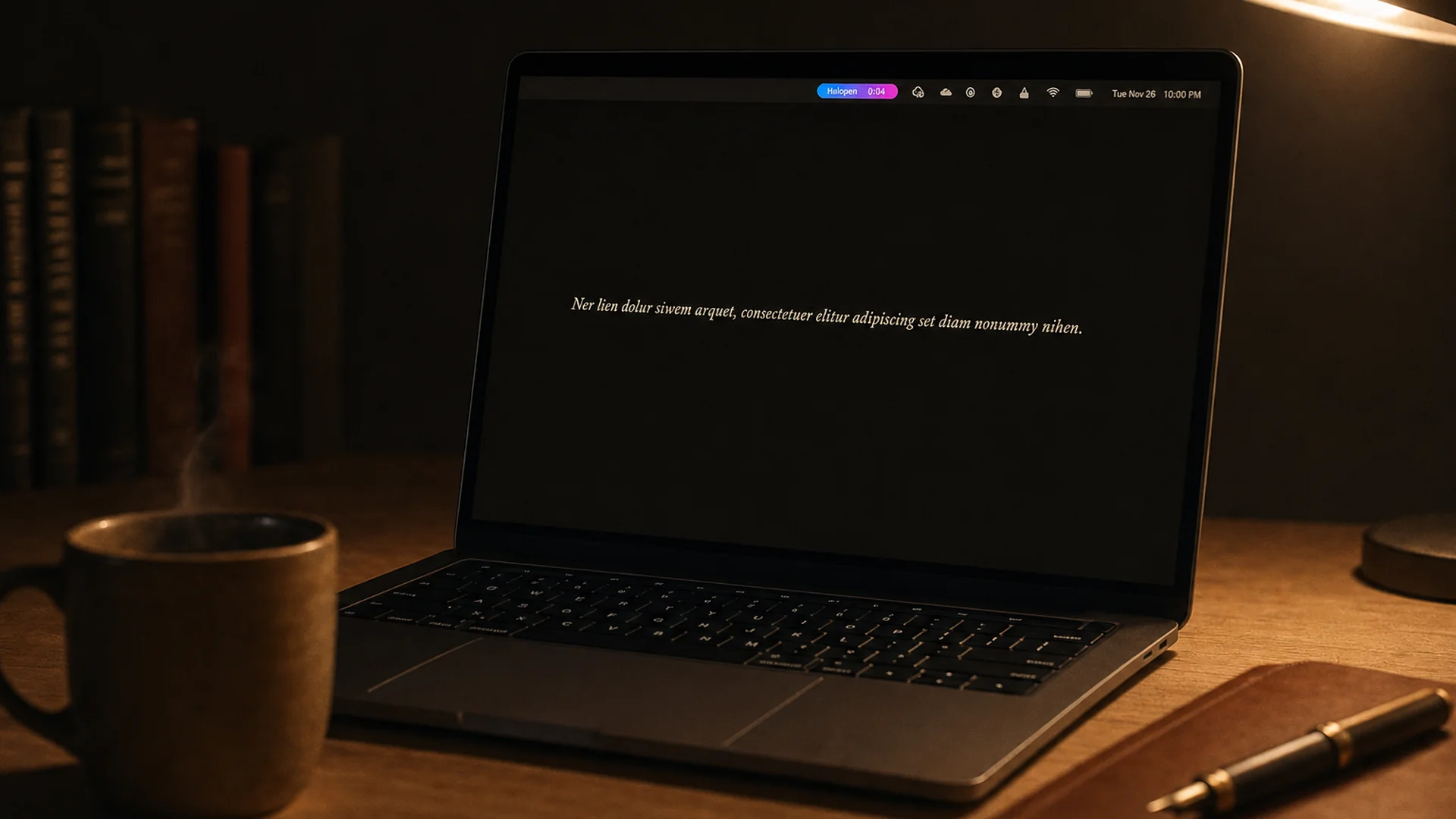
Halopen lives in the menu bar by design. No popover begging for attention, no second window.
Recovery
If focus jumps to another app before your text lands, Halopen keeps the transcript. If the network drops mid-transcription, it keeps the audio — replayable from the menu bar when you’re back online. Nothing is auto-inserted, nothing leaves your Mac unless you retry. Recover on your terms, or not at all.
Snippets
Dictate a short trigger — any word you choose — and it expands to the full text before it lands at your cursor. A signature, a standing reply, a block of boilerplate. Set it once in Settings; it fires every time.
Native to the Mac
Halopen is written for macOS, not adapted to it. The menu bar, the audio stack, the accessibility tree — first-party APIs, used the way Apple intended.
Swift
native macOS
AppKit
menu-bar idiom
Sonoma+
first-party APIs
Universal
Apple Silicon & Intel
Pricing
Halopen Free is 8,000 words a month, forever, no card to start. Pro is $19/month or $179/year for unlimited — the day you hit the ceiling is the day you'll know.
Common questions
Yes. Halopen Free is 8,000 words a month, forever. No credit card to download. The day you hit the ceiling is the day you'll know it's worth paying for.
Audio is sent to a transcription service only while you hold the key, returned as text, and immediately discarded. Halopen never stores audio or transcripts on our servers.
Almost everywhere a cursor goes — Mail, Messages, Notes, Terminal, browsers, code editors, document editors, chat, design tools. A handful of sandboxed system dialogs are the exception.
Among the most accurate dictation engines available. Proper nouns, technical terms, place names, and bilingual code-switching usually land correctly on the first pass. Where they do not, a live preview shows what is about to be typed — you can re-state or spell out a word and the correction lands instead of the misread.
More questions?
60+ answers about Mac voice typingPro is unlimited at $19/mo or $179/yr. Or start free with 8,000 words a month, forever.
Apple Developer ID signed · Apple-notarized · macOS 14.0+