
Measured September 20, 2026 · by Jesse Meria, who makes Halopen
The best Wispr Flow alternatives for Mac,
compared.
On identical audio, Halopen kept 10 of 12 constructions as spoken. Wispr Flow kept 2. The raw results
Pick Wispr Flow if you also dictate on Windows or a phone, or want a free plan (its pricing page). Pick Halopen if you work on a Mac and want your words written the way you said them, for $12 a month or $99 a year against Wispr Flow Pro’s $15 or $144.
We make Halopen. Every number below links to the raw output it came from.
Side by side
6 Wispr Flow alternatives
for Mac, compared.
| App | Best for | Price | Free to start | Runs on | On-device |
|---|---|---|---|---|---|
| 1. Halopen | Exact words, and prompting AI coding tools | $12/month, $99/year or $199 once | 14-day trial, no card | Mac | Yes, on Apple Silicon |
| 2. Superwhisper | A free plan that keeps dictation on the Mac | $8.49/month, $84.99/year or $249.99 once | Free plan with local models | Mac, Windows, iOS and Android | Yes, with local models |
| 3. MacWhisper | Transcribing recordings and files | €65 once (about $71) | MacWhisper Free | Mac | Yes |
| 4. VoiceInk | A low one-time price for local dictation | $25 once for one Mac | — | Mac | Yes, with a local model |
| 5. Apple Dictation | Free, and already on your Mac | Included with macOS | Free | Mac | Often; check Keyboard settings |
| 6. Willow Voice | Cloud dictation on Mac, Windows and iPhone | Pro $15 a month, or $143.99 a year on the App Store | Basic plan | Mac, Windows and iPhone | In the cloud, with an offline mode |
The ranking
Each alternative, and who it suits.
Halopen: best for exact words, and prompting AI coding tools
Hold one key, speak, and the text lands where your cursor is, in every Mac app, terminals and editors included. Verbatim by default: in a published test of 12 constructions a cleanup model tends to rewrite, Halopen kept 10; Wispr Flow kept 2 in the same test. Your own names and terms go to the recognizer on every take, a failed take is kept for recovery, and you choose cloud or on-device recognition.
Price: $12/month, $99/year or $199 once. Free to start: 14-day trial, no card. Runs on: Mac.
Superwhisper: best for a free plan that keeps dictation on the Mac
Its plans page says: “Free gives you unlimited dictation with local Whisper models, up to two modes, custom vocabulary, and text replacements.” Pro adds cloud models and AI processing. Its own docs add: “Offline models only run really well on Apple Silicon macs.”
Price: $8.49/month, $84.99/year or $249.99 once. Free to start: Free plan with local models. Runs on: Mac, Windows, iOS and Android. Source
MacWhisper: best for transcribing recordings and files
Built around transcribing files, lectures, videos and podcasts, with dictation added. Its store page says: “All transcription is done on your device, no data leaves your machine.”
Price: €65 once (about $71). Free to start: MacWhisper Free. Runs on: Mac. Source
VoiceInk: best for a low one-time price for local dictation
One-time $25 for one Mac, $39 for two, $49 for three. Its site says: “When you select a local speech model, VoiceInk transcribes audio on your Mac.”
Price: $25 once for one Mac. Free to start: —. Runs on: Mac. Source
Apple Dictation: best for free, and already on your Mac
Good for general text and short messages. Apple’s guide: “You can check Keyboard settings to see whether your voice inputs and transcripts for general text Dictation (for example, composing messages and notes, but not dictating in a search box) are processed on your device and not sent to Siri servers.”
Price: Included with macOS. Free to start: Free. Runs on: Mac. Source
Willow Voice: best for cloud dictation on Mac, Windows and iPhone
Its help center says: “Willow uses cloud-based AI models so you can get the most accurate and responsive dictation experience.”
Price: Pro $15 a month, or $143.99 a year on the App Store. Free to start: Basic plan. Runs on: Mac, Windows and iPhone. Source
22 seconds
Say the whole prompt.
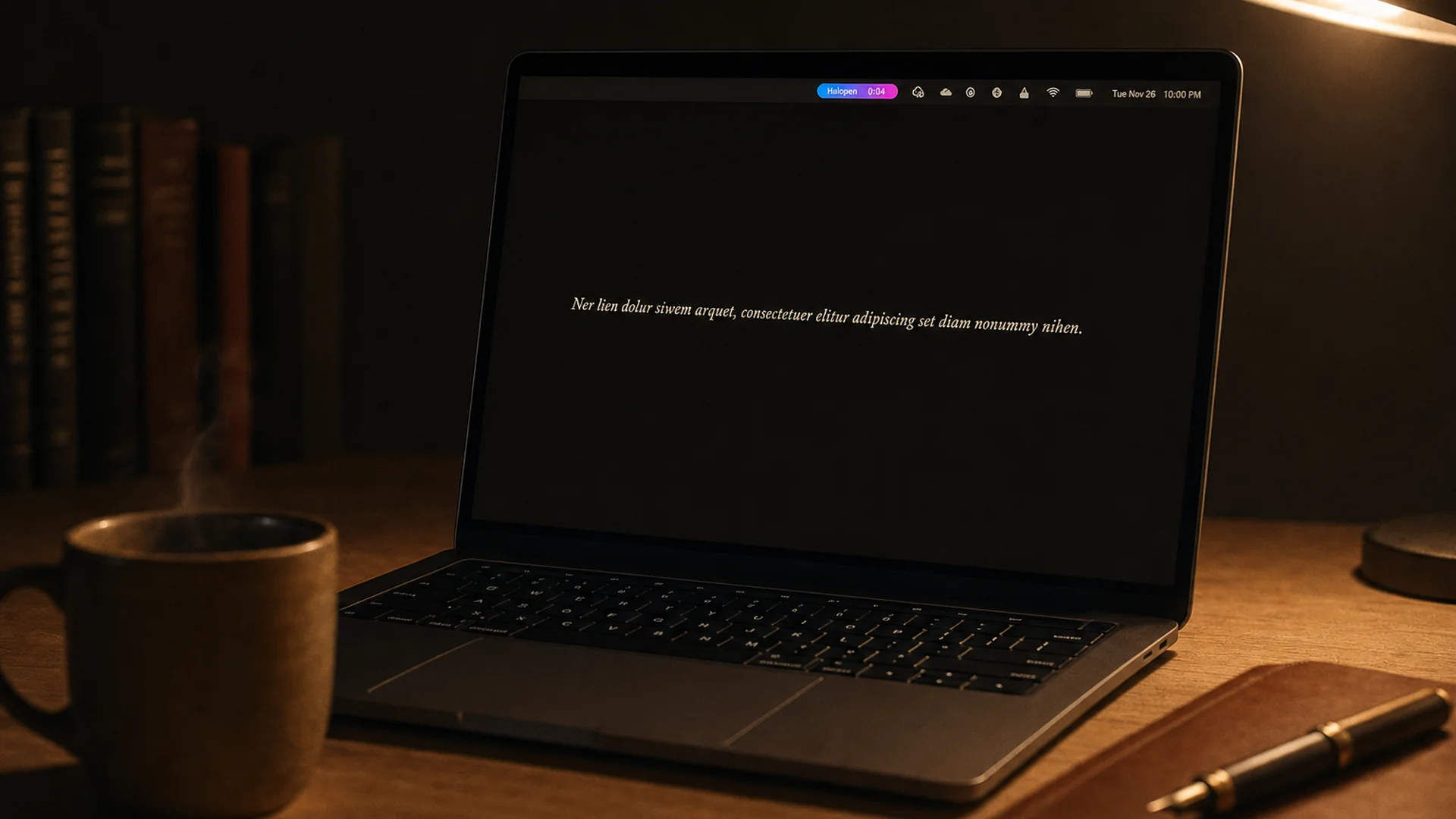
The prompts we type are short because typing is slow. Said out loud, the same request comes with the detail the work needs, and Halopen puts it at the cursor the way you said it.
An animation of the real app: the recording pill, the live preview and the sounds are Halopen’s own. The voice is AI-generated.
Two apps, two
different promises.
Both apps do the same thing on a Mac: hold a key, speak, and your words appear where your cursor is. Where they differ is what happens to those words on the way. At its defaults, Wispr Flow tidies what you say into standard written English. Halopen’s default is Verbatim: it writes what you said, and cleanup is something you turn on (method and raw output).
If you want your own words — your phrasing, your dialect, the way you actually talk — that tidying is the thing to avoid.
What each app did
to the same sentences.
We wrote twelve short constructions that a cleanup model is tempted to “correct” — dialect, filler, a doubled word, a common malapropism — and played the identical audio into each app three times. Halopen kept 10 of 12 as spoken (83%). Wispr Flow kept 2 of the 11 we could score (18%); one of the twelve came back in a form we could not score either way, so we left it out rather than count it for either side. Wispr Flow’s three runs were identical (its raw output, Halopen’s).
| What was said | What Wispr Flow wrote |
|---|---|
| “just as good” | “just as well” |
| “me and him went” | “he and I went” |
| “we was running late” | “we were running late” |
| “should of checked” | “should have checked” |
| “there’s three files” | “there are three files” |
| “this is real important” | “this is really important” |
| “the the config” | “the config” |
| “irregardless of the deadline” | “regardless of the deadline” |
| “it don’t matter” | “it doesn’t matter” |
Some of those changes you may want. “Should of” is a misspelling of “should have”, and a doubled “the the” is a slip. Others are not errors at all: “we was running late” and “it don’t matter” are how many people speak, and turning them into “we were” and “it doesn’t” rewrites the speaker rather than the typing. A dictation app that decides which is which, silently, on every sentence, is making a choice about your voice.
Everything else,
side by side.
| Compared on | Halopen | Wispr Flow |
|---|---|---|
| Platforms | Mac only: macOS 14.0 or later | Mac, Windows, iPhone, and Android (source) |
| Works offline, on the Mac | Yes: on-device mode on Apple Silicon Macs | No: “Transcription always occurs on the cloud.” (source) |
| What leaves the Mac | In Cloud mode, your audio is sent for transcription while you talk, and each cloud call is logged on your Mac. In on-device mode, nothing leaves the Mac to transcribe. | Your audio, for cloud transcription. “Wispr maintains agreements that no third party AI providers can use your data for model training.” (source) |
| What it does to your words | Verbatim by default: it writes what you said. Polish and Editorial modes are optional, set app by app. | At its defaults it kept 2 of the 11 constructions we could score as spoken (Halopen: 10 of 12), measured September 20, 2026 on Wispr Flow 1.6.897. (source) |
| Languages | Your Mac’s primary language. Tested in Spanish, French, Hindi, Japanese, Korean and Mandarin. | “Yes, Flow supports 100+ languages.” (source) |
| Terminal, editors, AI apps | Any Mac app with a text cursor, including Terminal, code editors and AI chat apps | “Gmail, Slack, iMessage, Notion, your terminal, your code editor, and AI tools like ChatGPT, Claude, and Cursor.” (source) |
| Longest single take | Up to 10 minutes per take | Not stated on its pricing or home page |
| Price | $12 a month, $99 a year, or $199 once (Lifetime) | Pro $15 a month, or $12 a month billed annually; no one-time option (source) |
| Trial | 14 days of the whole app, no card | No trial on its pricing page; a free plan “for 2,000 words per week” (source) |
| When the trial ends | Dictation in every mode needs Pro | Not applicable: the free plan continues at its weekly limit (source) |
Where Wispr Flow
is the better pick.
If you dictate on more than a Mac, Wispr Flow runs on Mac, Windows, iPhone, and Android; Halopen is Mac only. Its free plan has no end date: its homepage says it is free “for 2,000 words per week” (source), while Halopen’s trial ends after 14 days.
For a company rollout it has what Halopen does not: its Growth plan adds Single sign-on (SSO) with SAML and org-wide HIPAA enforcement with a signed BAA, and its pricing page lists “ISO 27001 and SOC 2 Type II Compliance” (source).
So you can check us.
Builds: Halopen 1.8.29 and Wispr Flow 1.6.897, both at their default settings, on one MacBook Pro with its built-in microphone, September 20, 2026. Only one app ran at a time — both listen for the same key, so a take answered by the wrong app would be void.
Fidelity audio: spoken by macOS itself, so anyone can rebuild it byte for byte: say -v Samantha -r 170 reading this script. Each app heard it 3 times.
Everything we recorded, including the limits, is in the README next to the raw files.
What you get.
- Your words, as you said them. Verbatim by default: your phrasing and your dialect, with cleanup only when you ask.
- Every Mac app. Slack, Mail, Notes, Cursor, the terminal, the browser.
- Cloud and on-device in one app. Cloud transcription that streams while you talk, or on-device on Apple Silicon.
- You can see what it sends. Every cloud call is written to a log on your Mac.
Try it for 14 days
Everything unlocked, no card. Then Pro is $12 a month, $99 a year, or $199 once. macOS 14.0 or later.
Before you switch.
Answers from our measurements of September 20, 2026.
Is there a cheaper alternative to Wispr Flow?
Yes. Halopen is $12 a month or $99 a year, against Wispr Flow Pro’s $15 a month or $144 a year (its pricing page, checked November 23, 2026). With Halopen you hold a key, talk, and the words land at your cursor in any Mac app, written the way you said them by default. Halopen also sells Lifetime for $199 once, and starts with a 14-day trial with no card. Wispr Flow has a free plan and runs on Windows and phones; Halopen is Mac only.
Is there a Wispr Flow alternative that doesn’t rewrite what you say?
On identical audio measured September 20, 2026, Halopen 1.8.29 kept 10 of 12 constructions that cleanup models tend to correct, as spoken. Wispr Flow 1.6.897 at its defaults kept 2 of the 11 we could score. Halopen’s default output mode is Verbatim; its cleanup modes are optional.
Can I check these results myself?
Yes. The fidelity audio is spoken by macOS itself (say -v Samantha -r 170) from a script we publish, so you can rebuild identical audio and play it into any dictation app. The raw output from every run is published alongside it.
Does Halopen also clean up dictation?
Yes, if you ask it to. Polish and Editorial modes tidy your text, and Halopen shows what they changed. The difference is the default: Verbatim writes what you said until you choose otherwise.
Is Wispr Flow free?
It has a free plan. Its homepage says Flow is free “for 2,000 words per week”. Pro is $15 a month, or $12 a month billed annually. Checked November 23, 2026.
Does Wispr Flow work offline?
No. Its data controls page says: “Transcription always occurs on the cloud.” Halopen has an on-device mode on Apple Silicon Macs, and logs every cloud call it makes on your Mac.
Does Halopen work on Windows or iPhone?
No. Halopen is a Mac app, for macOS 14.0 or later. Wispr Flow runs on Mac, Windows, iPhone, and Android, so if you dictate across devices it covers more of them.
Say it your way.
See it written that way.
No credit card. macOS 14.0 and later.